Ignition, Karbon, JotForm, and Dropbox integrations
WeCloseBooks connects to the stack your firm already runs: proposals from Ignition, work and clients from Karbon, intake responses from JotForm, and document storage in Dropbox.
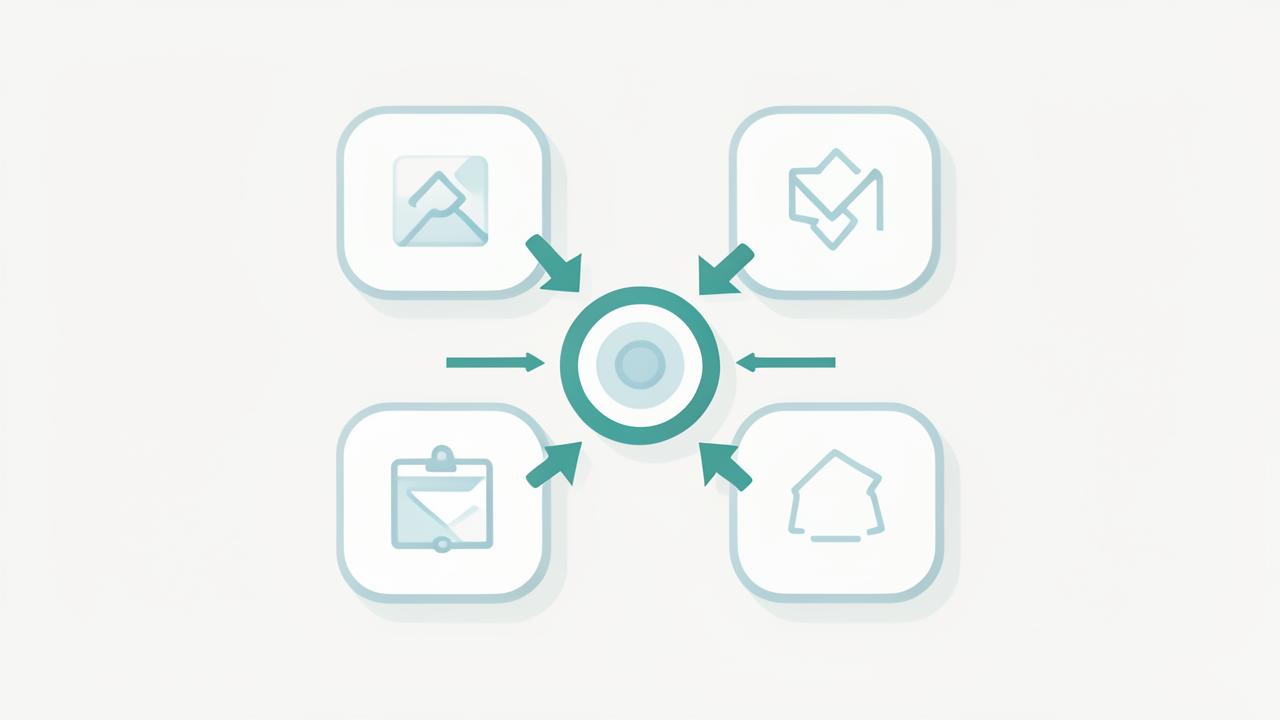
- Ignition — turn signed proposals into engagements and checklists
- Karbon — sync clients, contacts, and work items both ways
- JotForm — pull intake and questionnaire responses automatically
- Dropbox — file documents into your existing folder structure
Proposals in, engagements out: Ignition
When a client signs an Ignition proposal, the services they bought define the work your firm owes them. The Ignition integration reads accepted proposals and creates the matching engagement in WeCloseBooks, complete with the document checklist for each service line — so collection starts the day the proposal is signed, not the week before the deadline.
Practice management stays the source of truth: Karbon
Firms running Karbon do not want a second client list to maintain. The Karbon integration syncs clients, contacts, and work items, and pushes document status back so Karbon work reflects what has actually arrived. Your team keeps working where they already work.
- Two-way client and contact sync with duplicate protection
- Document status written back to the related Karbon work item
- Map Karbon work types to WeCloseBooks engagement templates
Intake forms and storage: JotForm and Dropbox
JotForm responses flow directly into the client's intake record, so answers your clients already gave become structured data instead of a PDF nobody reads. Uploaded documents can be mirrored into Dropbox using your firm's existing folder and naming conventions, which means adopting WeCloseBooks does not break the file structure your team has used for years.
Frequently asked questions
- Which tools does WeCloseBooks integrate with?
- Ignition for proposals and engagements, Karbon for clients and work, JotForm for intake forms, and Dropbox for file delivery and storage.
- Do I have to move my files out of Dropbox?
- No. Documents collected in WeCloseBooks can be filed into your existing Dropbox folder structure so your team keeps working where it already works.
- How long does an integration take to set up?
- Each connection is authorized once from your settings and typically takes a few minutes, after which clients and engagements sync automatically.
See ignition, karbon, jotform & dropbox integrations in your firm
Book a 15-minute walkthrough and we will show this working on engagements that look like yours.
Book a demoExplore more capabilities
Every partner, manager, preparer, admin, and client signs in through one secure, auditable identity layer — with single sign-on, multi-factor authentication, and controlled onboarding and offboarding of staff.
RBAC/PBAC & PermissionsDefine exactly what each role can see and do — then layer policy rules on top so access follows the client, the entity, the pod, and the engagement rather than one flat permission list.
Staff & POD AdministrationGroup your team into PODs — small pods of preparers, reviewers, and admins who own a book of clients together — then manage assignments, capacity, and coverage from one screen.
Client & Household ManagementLink spouses, dependents, trusts, partnerships, and closely held companies into a single household so your team sees the whole relationship instead of six disconnected client records.